
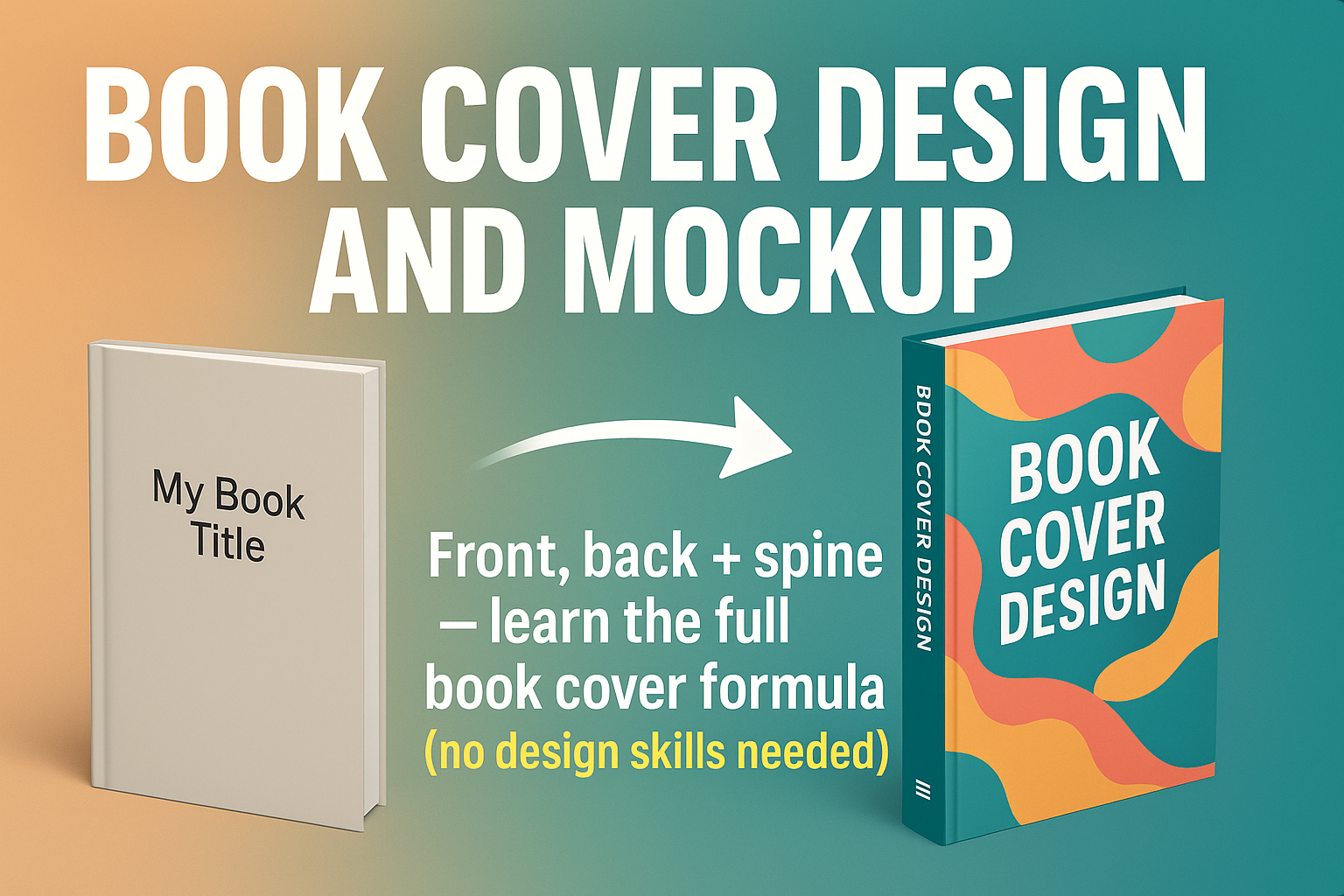
BOOK COVER DESIGN AND MOCKUP Front, back + spine — learn the full book cover formula (no design skills needed)
About Course
Want a book cover that sells your story, not scares readers away? In this beginner-friendly, step-by-step tutorial, I’ll show you exactly how to design a full front, back, and spine book cover — and create a stunning mockup — using only Canva. 👉 No Photoshop. 👉 No Illustrator. 👉 No confusing tools or paid software. 👉 Just Canva + this complete guide. 💡 What you’ll learn in this video: ✅ How to set up your Canva design for front, back, and spine ✅ Key tips to make your book cover look professional ✅ How to align your design for printing ✅ How to create realistic 3D mockups for free ✅ The biggest mistakes beginners make (and how to avoid them) Whether you’re a writer, self-publisher, teacher, or graphic design beginner, this video will help you create a book cover you’re proud to show off — without breaking the bank. ⚡ Stop paying $300+ for book covers — learn to DIY your own pro-level design today If this video helps you, please SUBSCRIBE to the channel and SHARE it with others who need it. Let’s help more creators design covers that sell! Chapters: 0:00 Intro 1:15 Setting up Canva for full cover design 10:45 Designing the front cover 20:30 Adding the spine & back cover 35:00 Pro design tips for beginners 45:00 How to create a 3D book mockup 55:00 Final thoughts & next steps
Student Ratings & Reviews